Why Your Meta Ads Are Getting Clicks but No Leads
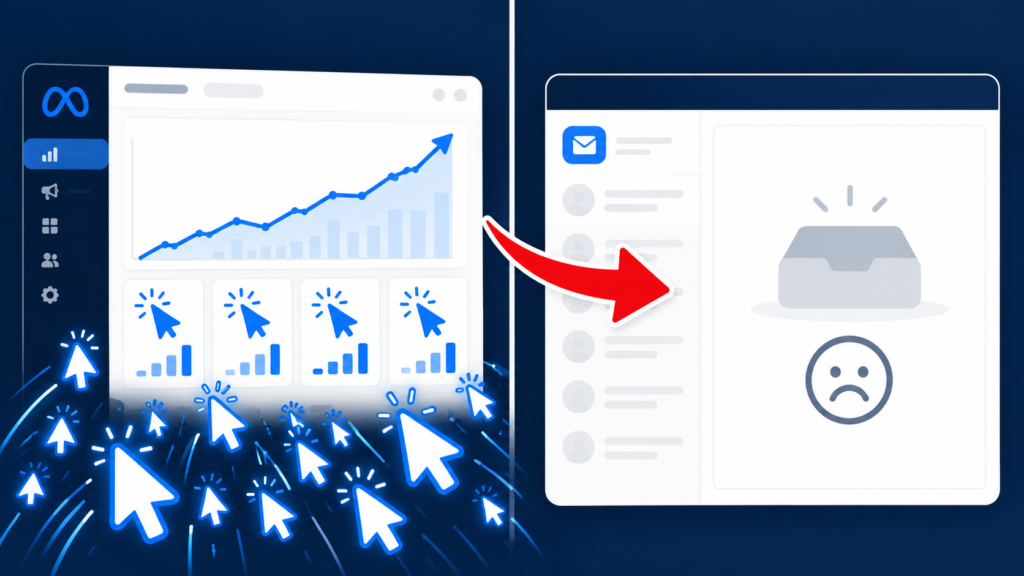
You check your Meta Ads dashboard and see hundreds of clicks. Your budget is spending. Your creative is working. Yet your inbox is empty. This painful gap is what marketers call Meta Ads clicks but no leads — and it is one of the most common problems in paid advertising.
The good news? Clicks prove your ad works. The problem lies after the click. Let’s find out exactly where your funnel is leaking.
Why Meta Ads Clicks But No Leads Happens
A click only means someone was curious. It does not mean they were ready to act. Between the click and the lead sits your landing page, your offer, and your form — and any weak link breaks the chain.
If you are seeing Meta Ads clicks but no leads, the issue is almost never the ad itself. It is what happens next.
Clicks are cheap. Conversions are earned.
Reason 1: Your Landing Page Does Not Match the Ad
Your ad promised one thing. Your landing page says another. Visitors feel misled and leave within seconds.
Fix: Match your ad headline, landing page heading, and CTA wording. Same offer, same language, same visual style. This single fix solves most Meta Ads clicks but no leads problems.
Reason 2: The Offer Is Too Weak
A “Learn More” button does not motivate action. People need a reason to give you their details.
Fix: Offer something specific and valuable — a free audit, a checklist, a discount, or a consultation. Clear value drives real leads.
Reason 3: The Form Asks Too Much
Every extra field reduces completion. If your form asks for ten things, expect most visitors to abandon it.
Fix: Ask only what you need now. Name, email, and one qualifying question. You can collect details later.
Reason 4: Slow Page Load Speed
Every extra second costs you conversions. Mobile users are especially unforgiving.
Fix: Compress images, use caching, and aim for under 2.5 seconds. Speed is a silent killer when you have Meta Ads clicks but no leads.
Reason 5: Poor Mobile Experience
Over 90% of Meta traffic is mobile. If your page is not built for small screens, visitors bounce instantly.
Fix: Use large buttons, readable fonts, and a single-column layout. Test on real phones, not just desktop.
Reason 6: Tracking Is Broken
If your pixel does not fire correctly, Meta cannot optimize for leads — and you cannot tell what is working.
Fix: Test your pixel, use the Conversions API, and verify events in Events Manager. Accurate tracking is essential when you have Meta Ads clicks but no leads.
Reason 7: Audience and Intent Mismatch
Broad audiences click out of curiosity, not intent. Targeted audiences click because they want what you offer.
Fix: Tighten your targeting. Focus on high-intent audiences and retarget warm visitors. Quality beats volume every time.
Quick Fix Checklist
Match ad and landing page message
Offer a specific, valuable incentive
Shorten your form
Speed up your page
Optimize for mobile
Verify your pixel and events
Tighten your audience
Fix the page. Fix the leads.
Getting Clicks but No Enquiries?
Scale Root Marketing helps identify what’s stopping your Meta Ads clicks from becoming leads—from ad messaging and landing pages to enquiry forms and conversion tracking. Contact us to find the gaps and improve your path from click to enquiry.
Frequently Asked Questions (FAQs)
Why am I getting Meta Ads clicks but no leads?
Usually because of weak landing pages, unclear offers, long forms, slow pages, or broken tracking. The ad is working — the post-click journey is failing, causing Meta Ads clicks but no leads.
Is more budget the answer to Meta Ads clicks but no leads?
No. More budget only amplifies the problem. Fix conversion first, then scale spend. Otherwise, you pay more for the same empty inbox.
How quickly can I fix Meta Ads clicks but no leads?
Some fixes — like headline matching and shorter forms — show results within days. Others, like page speed and tracking, take 1–2 weeks. Consistent testing delivers the fastest gains.